MIDI Keyboard: Piano & Learn
Plug a USB or Bluetooth MIDI keyboard into your Android phone, or play on screen. 20 instruments, recording, and songs with falling notes that wait for you. Free, no account.
Get it on Google Play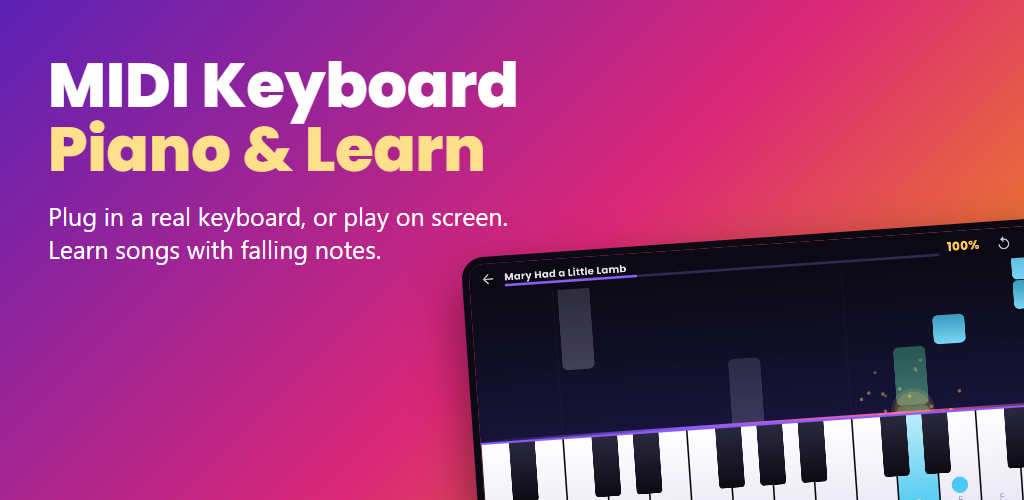
How it works
- Connect your keyboard. Plug a MIDI keyboard or digital piano into the phone with a USB OTG adapter, or pair a Bluetooth MIDI keyboard. You can also play on the touch keys.
- Pick a song. Choose one of the 17 included pieces, from first steps to classics, or open your own MIDI file.
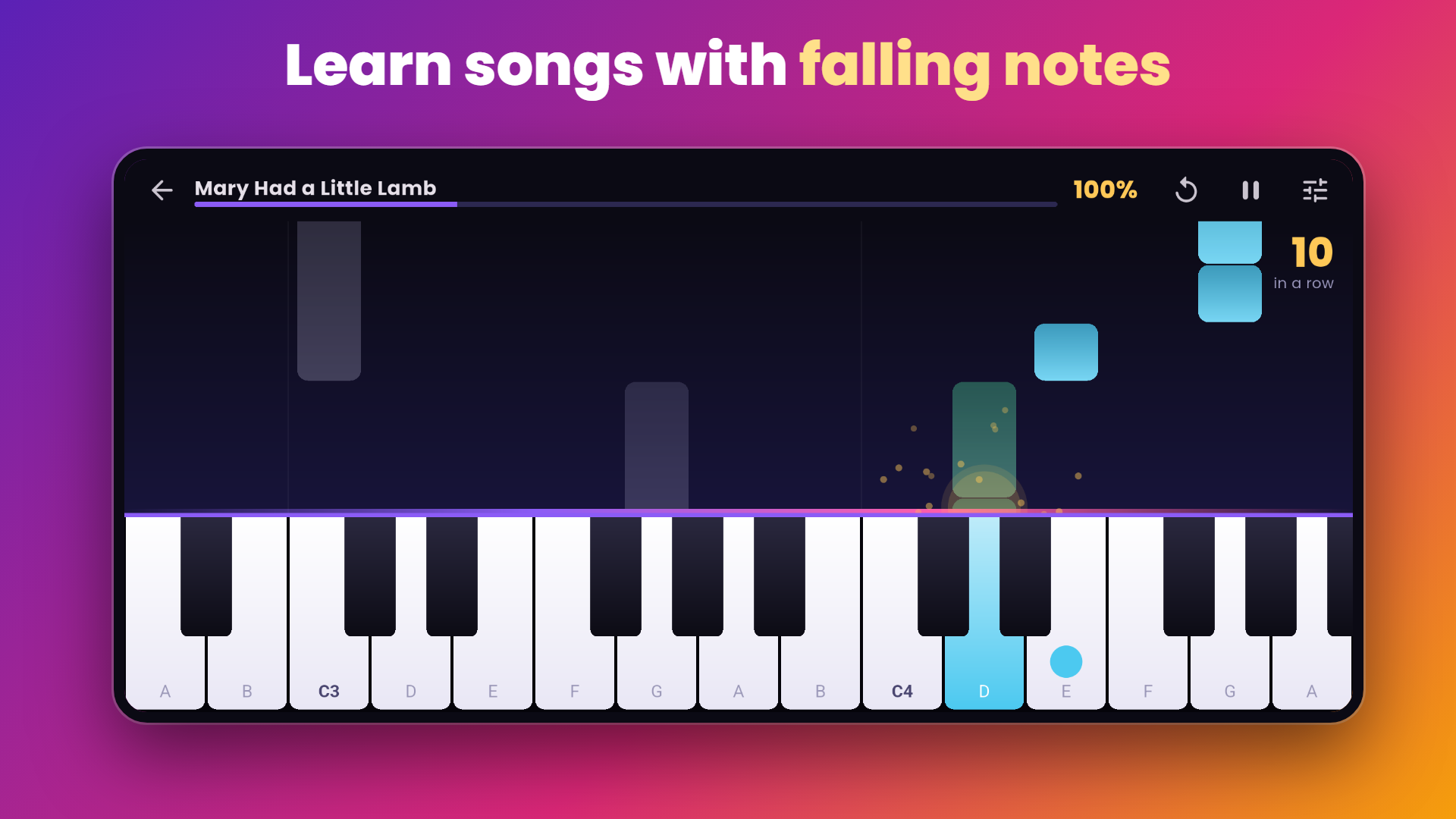
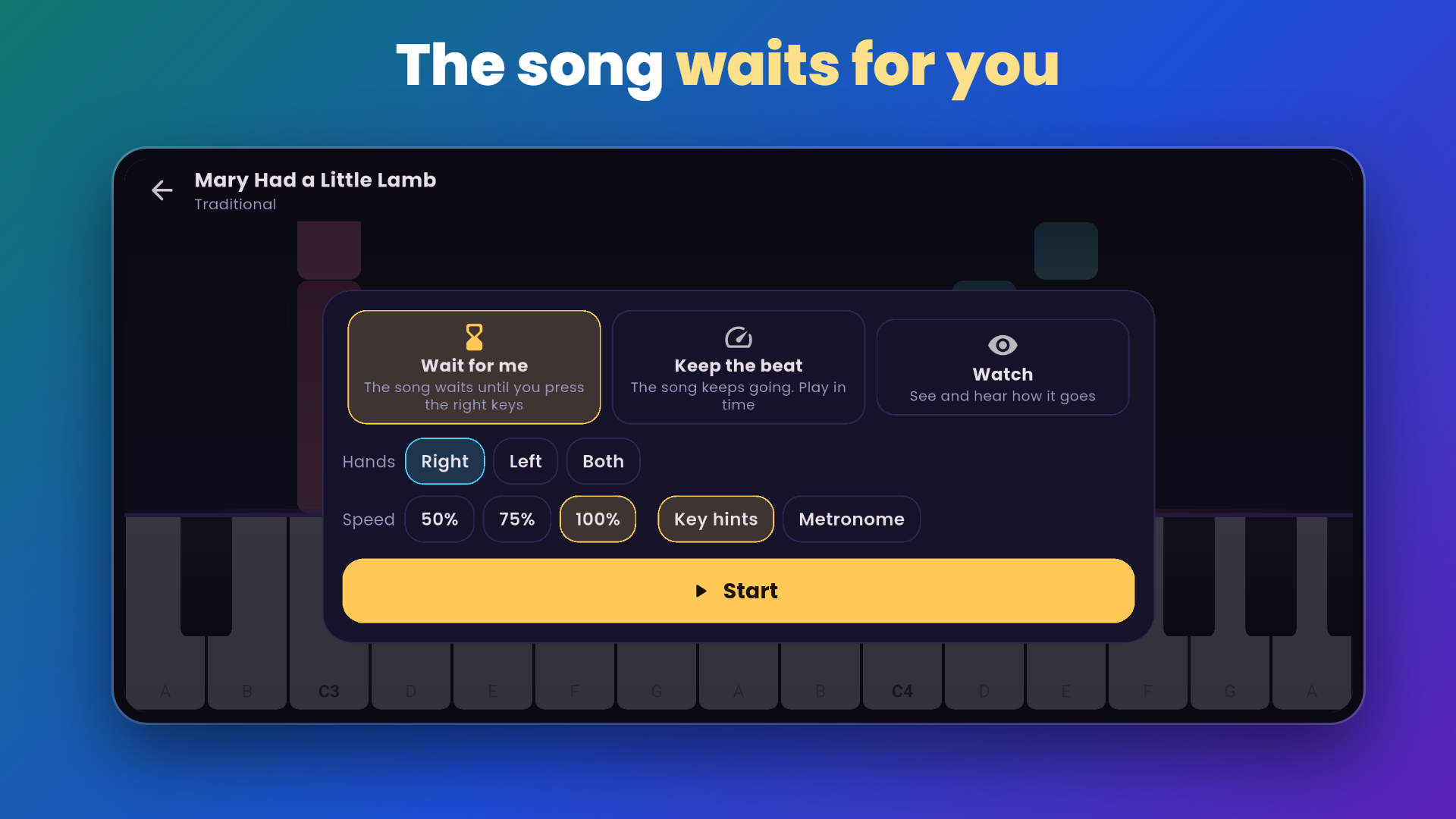
- Choose how to practise. Wait for me stops the song until you press the right keys. Keep the beat scores your timing. Watch plays it for you.
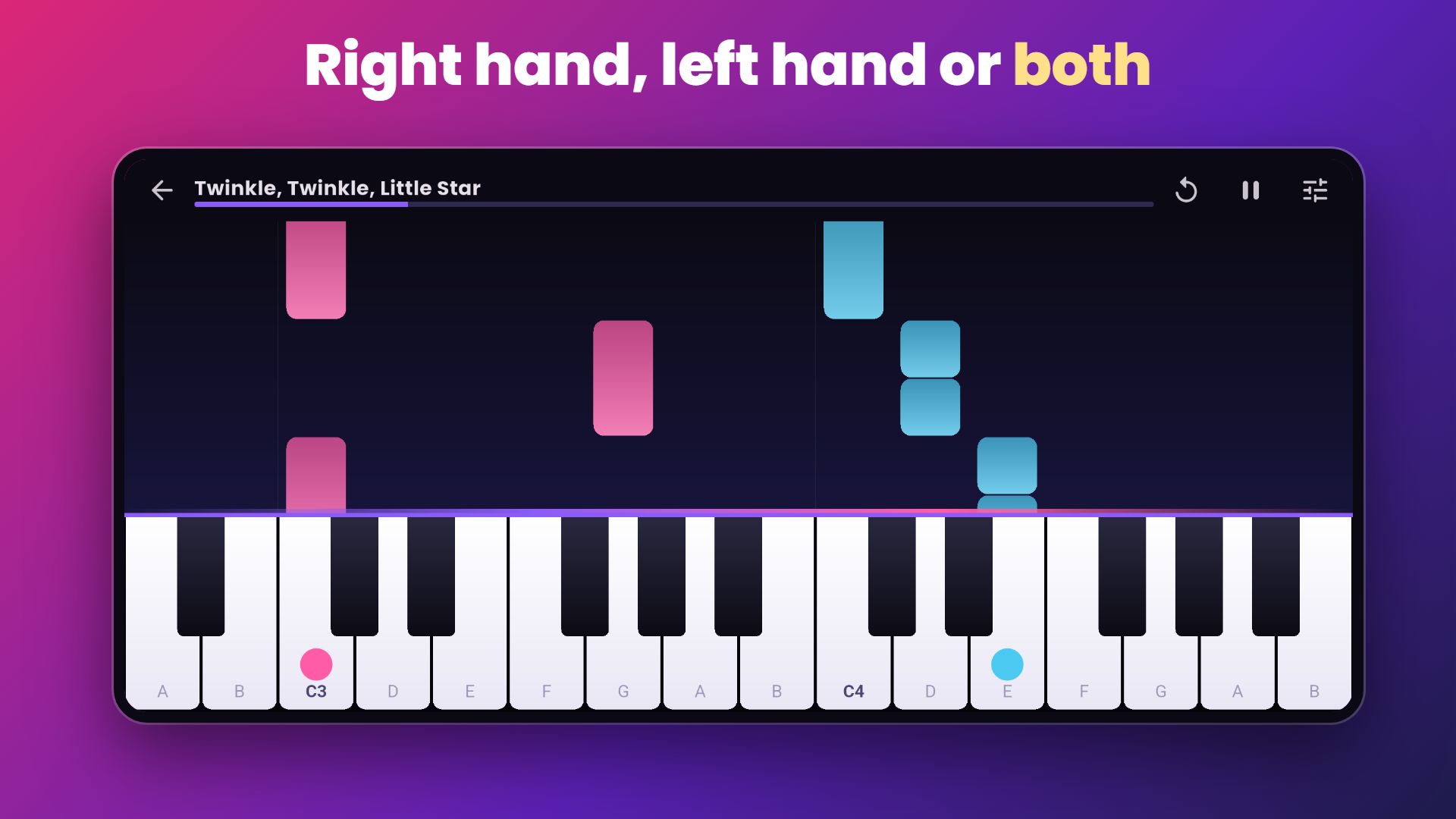
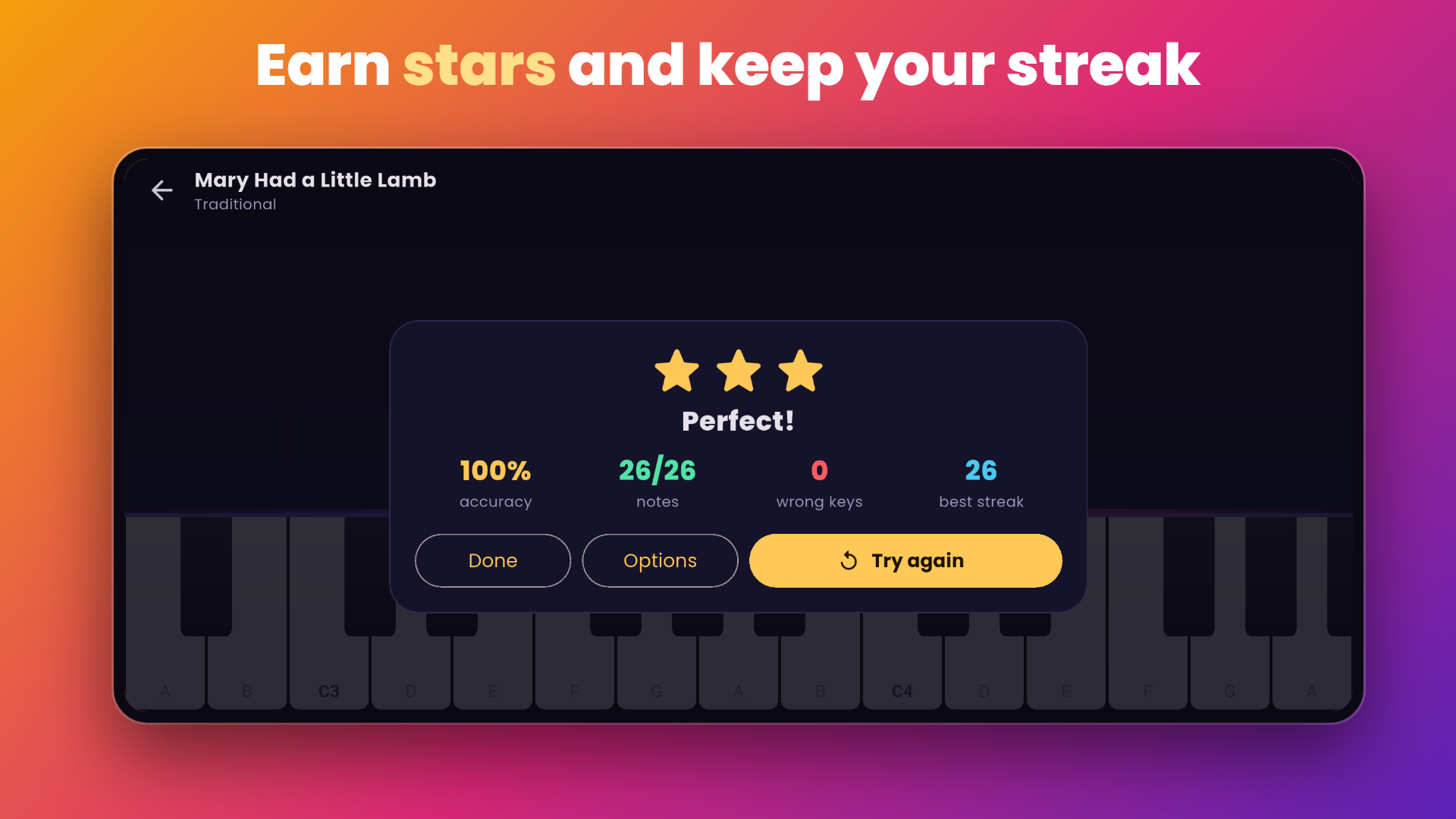
- Play and improve. Practise one hand or both, slow the song down, and earn up to three stars.
What you get
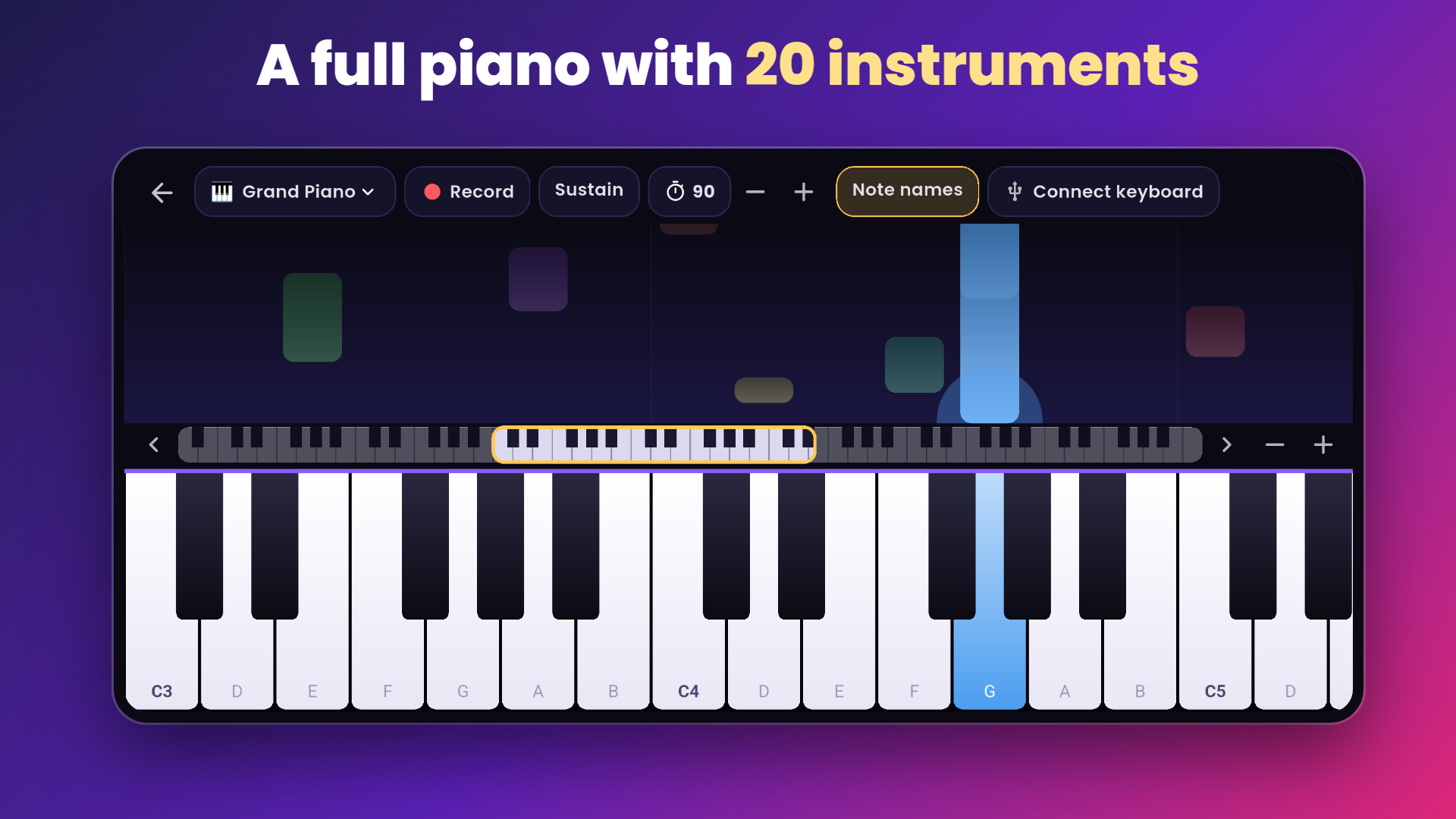
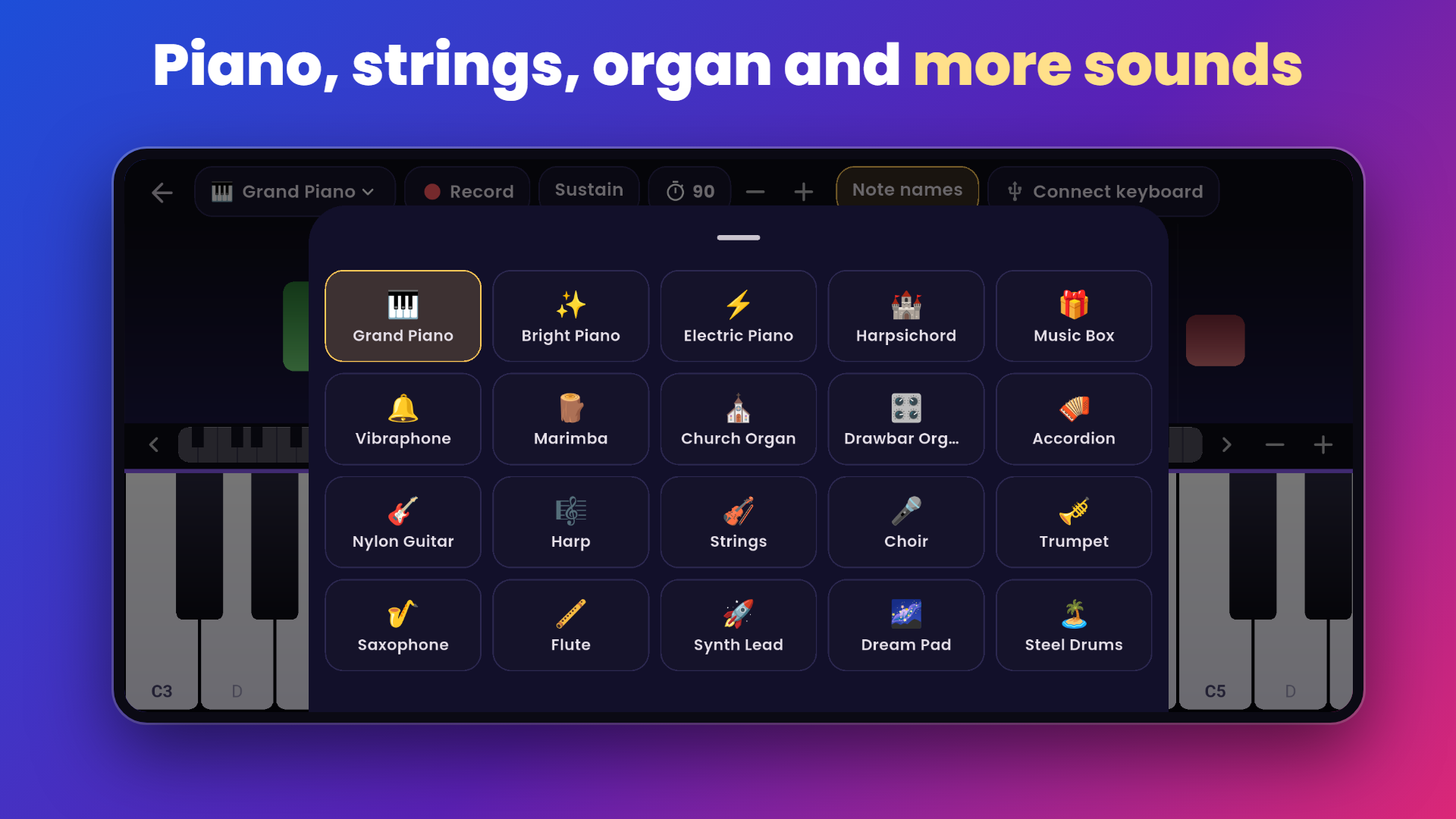
- 88-key multi-touch piano with 20 instruments, sustain and a metronome
- USB MIDI keyboards (Android 8+) and Bluetooth MIDI keyboards (Android 12+)
- 17 public-domain pieces: Twinkle Twinkle, Ode to Joy, Silent Night, Minuet in G, Für Elise and more
- Three practice modes, one hand or both, 50%, 75% or full speed
- Stars, accuracy and a daily streak
- Record your playing and share it as MIDI or audio
Frequently asked questions
How do I connect a MIDI keyboard to my Android phone?
Use a USB OTG adapter between the phone and the keyboard's USB port. The app finds the keyboard by itself. For a Bluetooth MIDI keyboard, turn it on and tap Find Bluetooth keyboard in the app.
Does it work without a keyboard?
Yes. The on-screen piano is multi-touch, covers all 88 keys and can be made larger or smaller.
Which Android version do I need for Bluetooth MIDI?
Bluetooth MIDI keyboards need Android 12 or newer. USB keyboards work on Android 8 and newer.
What is Wait for me mode?
The falling notes stop at the line until you press the right keys, so you can learn a piece at your own pace.
Can I practise my own MIDI files?
Yes. Open any .mid file and the app shows it as falling notes, split into right and left hand.
Can I record what I play?
Yes. Tap Record on the piano screen. Recordings are saved on your phone and can be shared as a MIDI file or as audio.
Is it free?
Yes. Every feature is free. The app shows ads, never while you are playing.